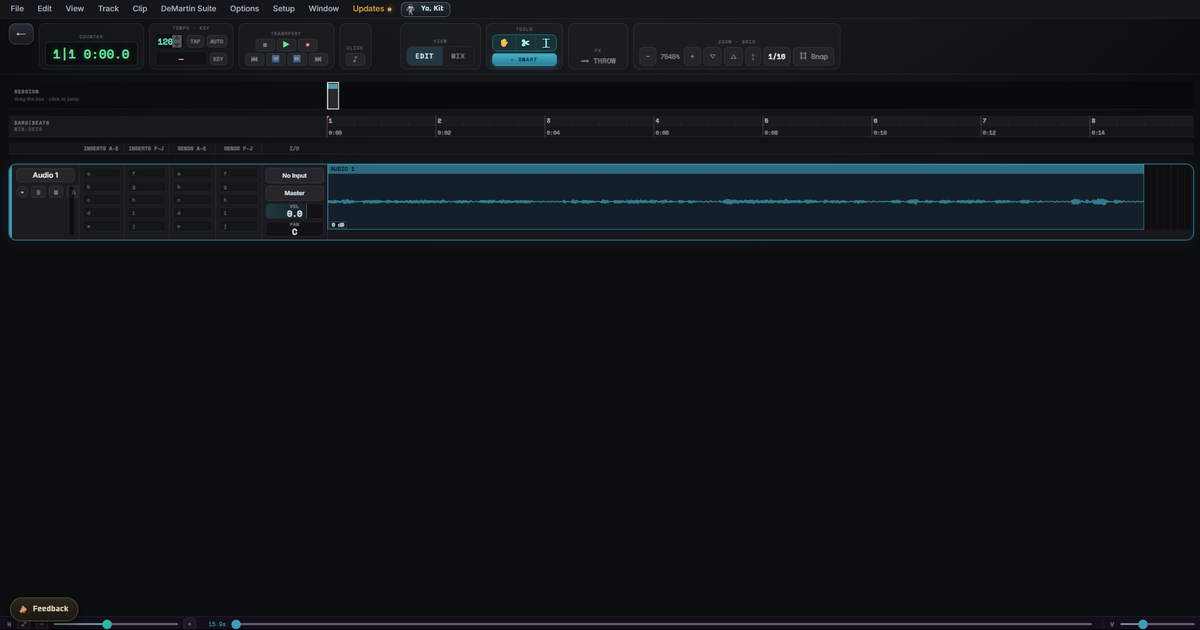
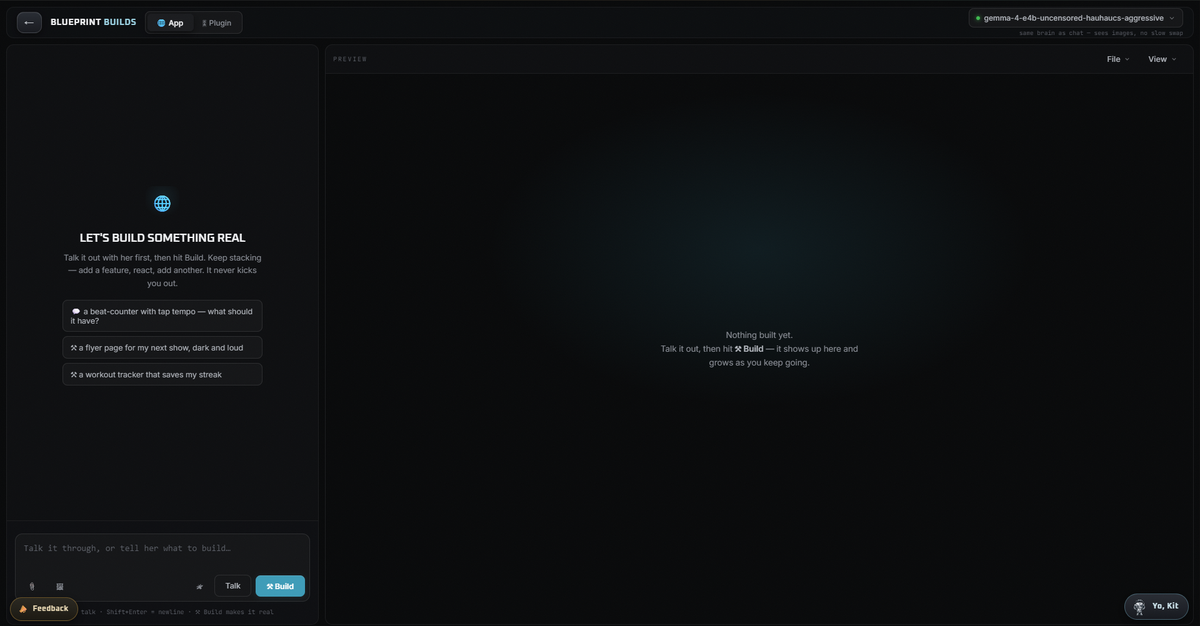
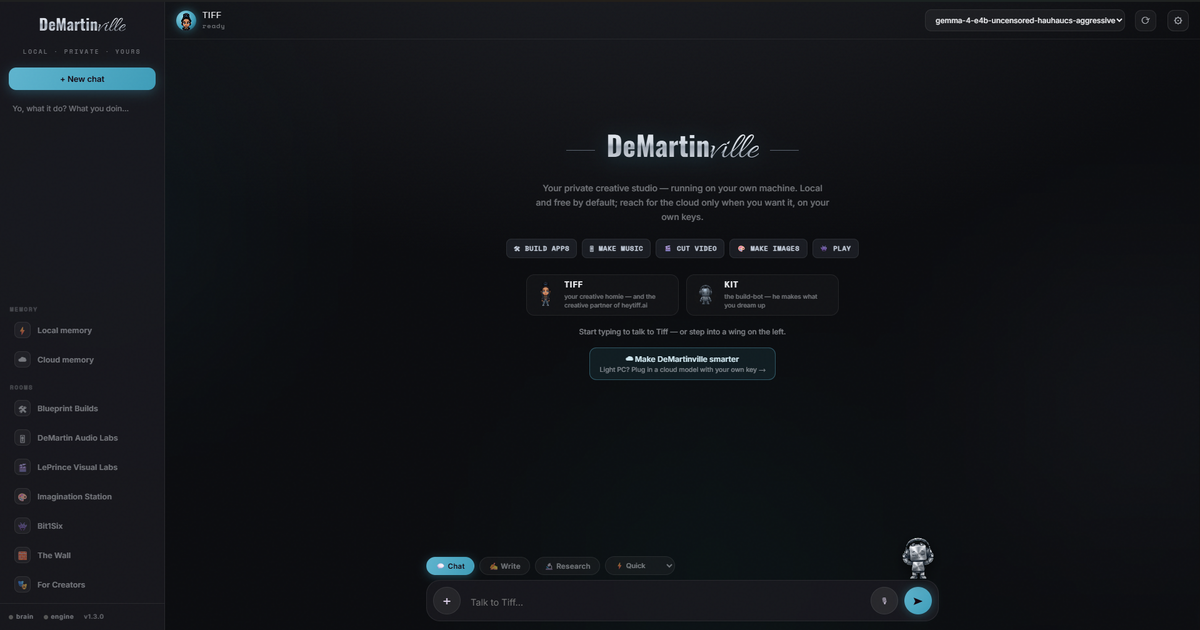
Real talk: DeMartinville is free — which means we don't pay Apple's $99-a-year "developer" fee just so their computers will trust our app. Everybody's got their hand out; we're not paying it, because we're not charging you a dime. The trade-off: the first time, you flip one switch yourself. One line, one time, and you're done forever. Slow and simple, here's exactly how:
Step 1 — Download it.
⬇ Download for Mac
Step 2 — Unzip & move it. Double-click the downloaded file, then drag DeMartinville into your Applications folder.
Step 3 — Open Terminal. Press ⌘ Space, type Terminal, hit Enter. (It's a little black window — relax, you only paste one line into it.)
Step 4 — Paste this exact line and press Enter:
xattr -dr com.apple.quarantine /Applications/DeMartinville.app
Nothing dramatic happens — no message means it worked. That line just tells your Mac "I trust this app," which is the exact thing Apple was blocking.
Step 5 — Double-click DeMartinville in your Applications folder. It opens. That's it — you never touch Terminal again.
Why not just "Open Anyway"? On the newest macOS (Sequoia), Apple broke that button for free apps — it does nothing now. The line above is the one thing that actually works, so don't waste time in Settings. And straight up: DeMartinville is Windows-first right now — the Mac side runs, it's just earlier. On Windows there's none of this; it just opens.